App MilkyWay Casino
Get full access to the casino on your phone
Install the app, play slots and other games, and claim bonuses — anytime, anywhere.
Safe installation with no additional setup.
Keep the casino at your fingertips — no need to search for the link.
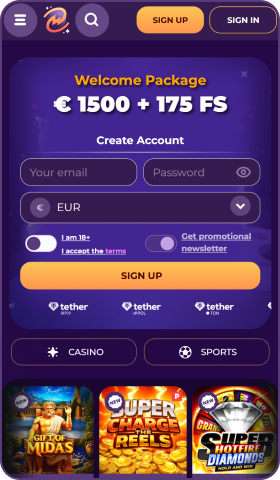
Get notifications about bonuses and tournaments.
Quick launch in full-screen mode with no browser bars.
Android
Instructions for Android users
MilkyWay Casino
1. Tap “Install” on the app page.
MilkyWay Casino
Install app
MilkyWay Casino
Cancel
Install
2. Confirm the installation in the system dialog.
MilkyWay Casino
3. When the installation is complete, tap “Open”.
iOS
Instructions for iOS users
Share
1. Open the site in Safari and tap “Share”.
Options
Add to Home Screen
2. Select “Add to Home Screen”.
Cancel
Add
MilkyWay Casino
3. Tap “Add” in the top-right corner.
MilkyWay Casino
4. The MilkyWay Casino app has been added to your Home Screen.